
Zen Mark
A visual bookmark manager for Firefox and Chrome. Save, organize and rediscover your bookmarks — no account required.
Get Zen MarkVisual cards
Saved sites shown with their favicon, title, category color and tags in a clean grid or compact list.
Website previews
Hover any bookmark to see a live screenshot of the page before you open it.
AI suggestions
Auto-suggest a category and tags from the page title and URL when saving.
Bulk tools
Select multiple bookmarks, move them between categories, or delete at once.
Save all tabs
Save every open tab into a category with a single click.
Keep it clean
Detect duplicate and dead links, then merge or remove them in one step.
Import & export
Import your bookmarks from Firefox, Chrome or Edge HTML files. Export as JSON backup.
Private by default
Your bookmarks stay on your device. Optional cloud sync only if you sign in.
Screenshots
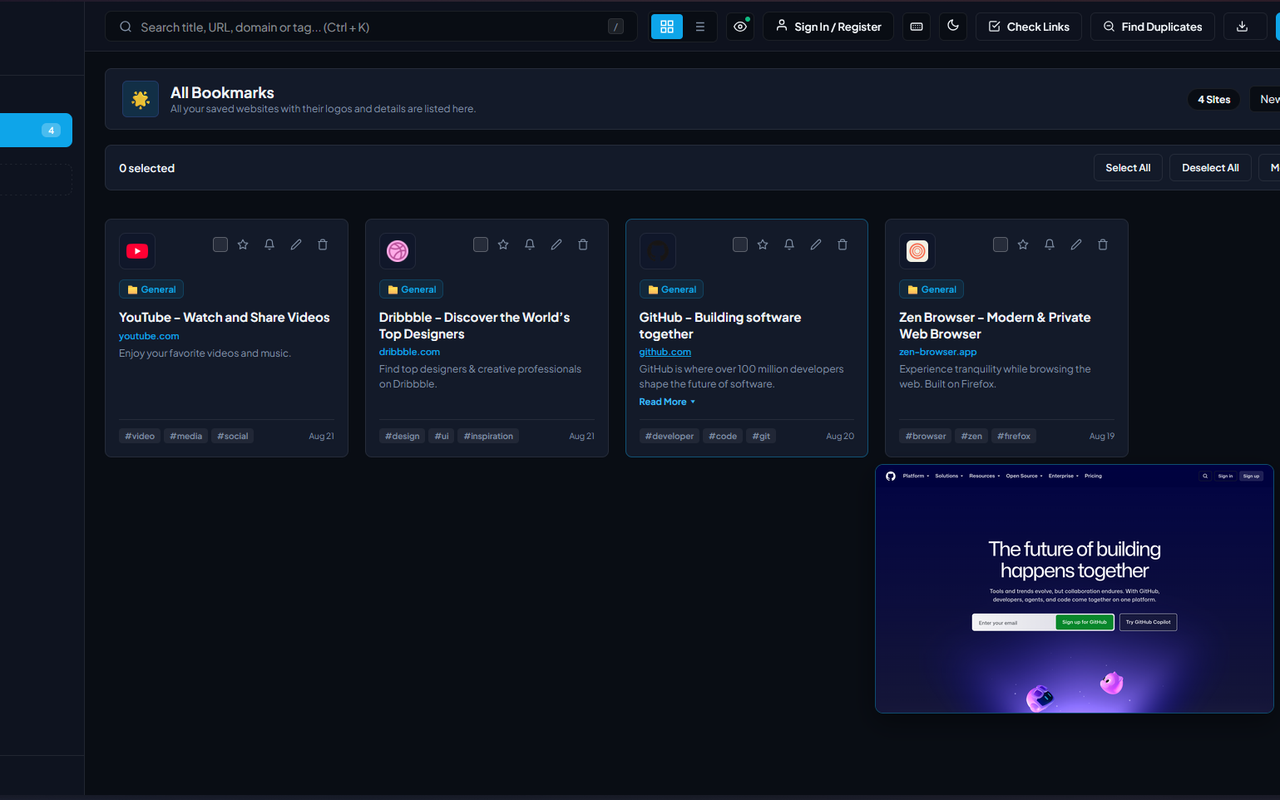
Dashboard with visual bookmarks, categories and colors.
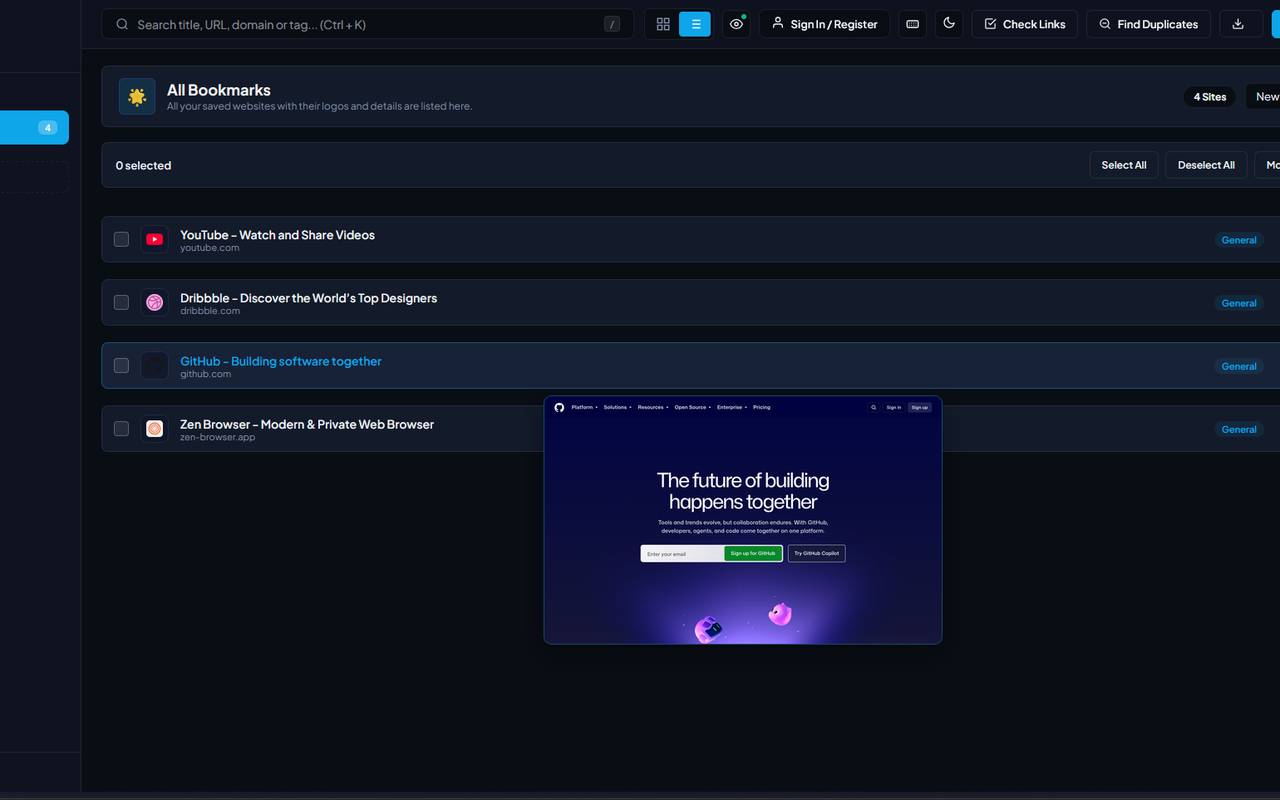
Compact list view with a website preview on hover.
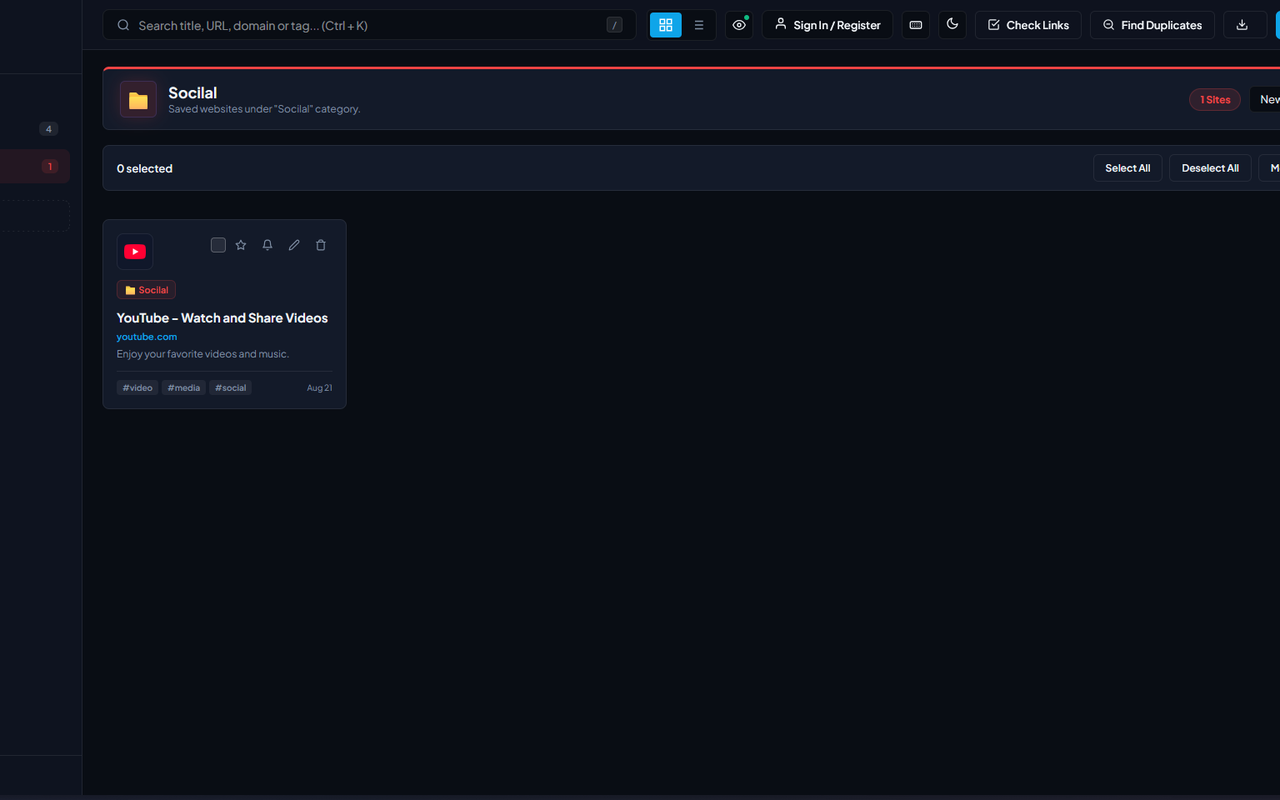
Organize sites into colored categories with icons.
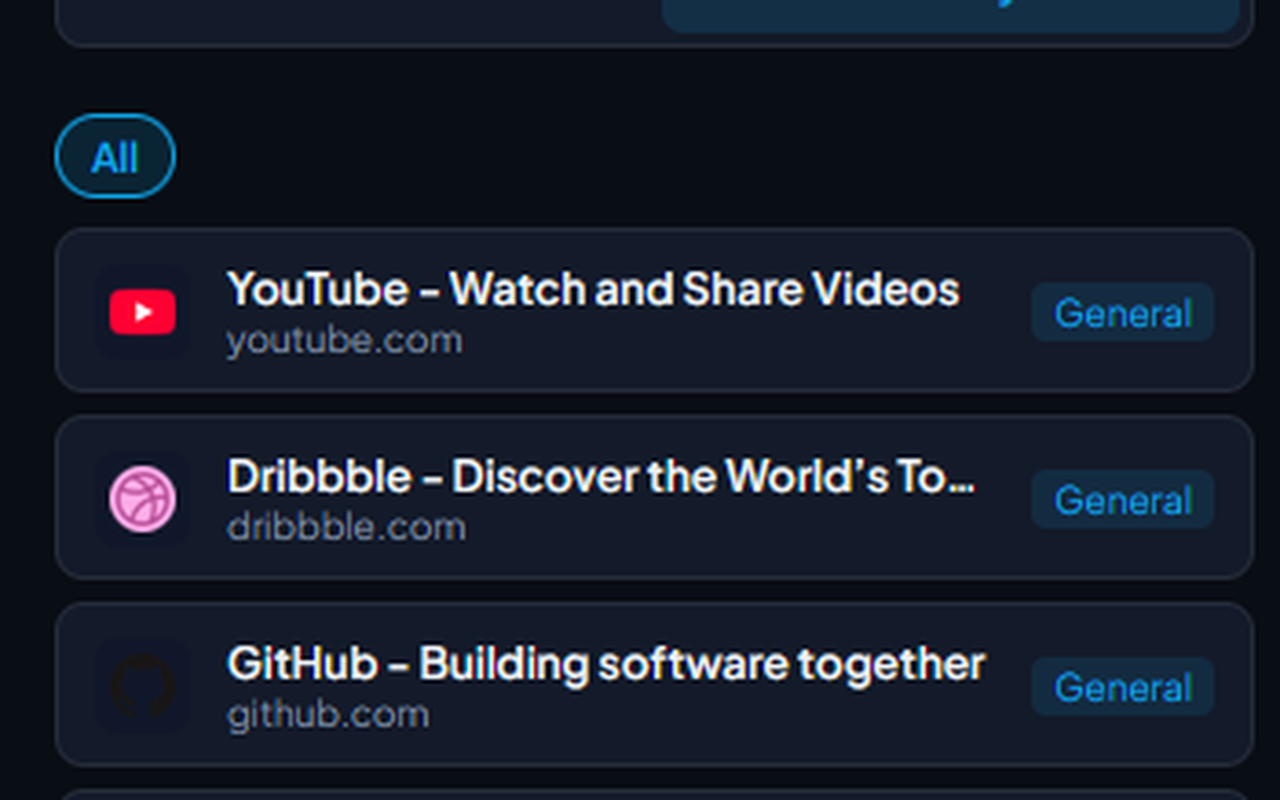
Browse your library straight from the browser popup.
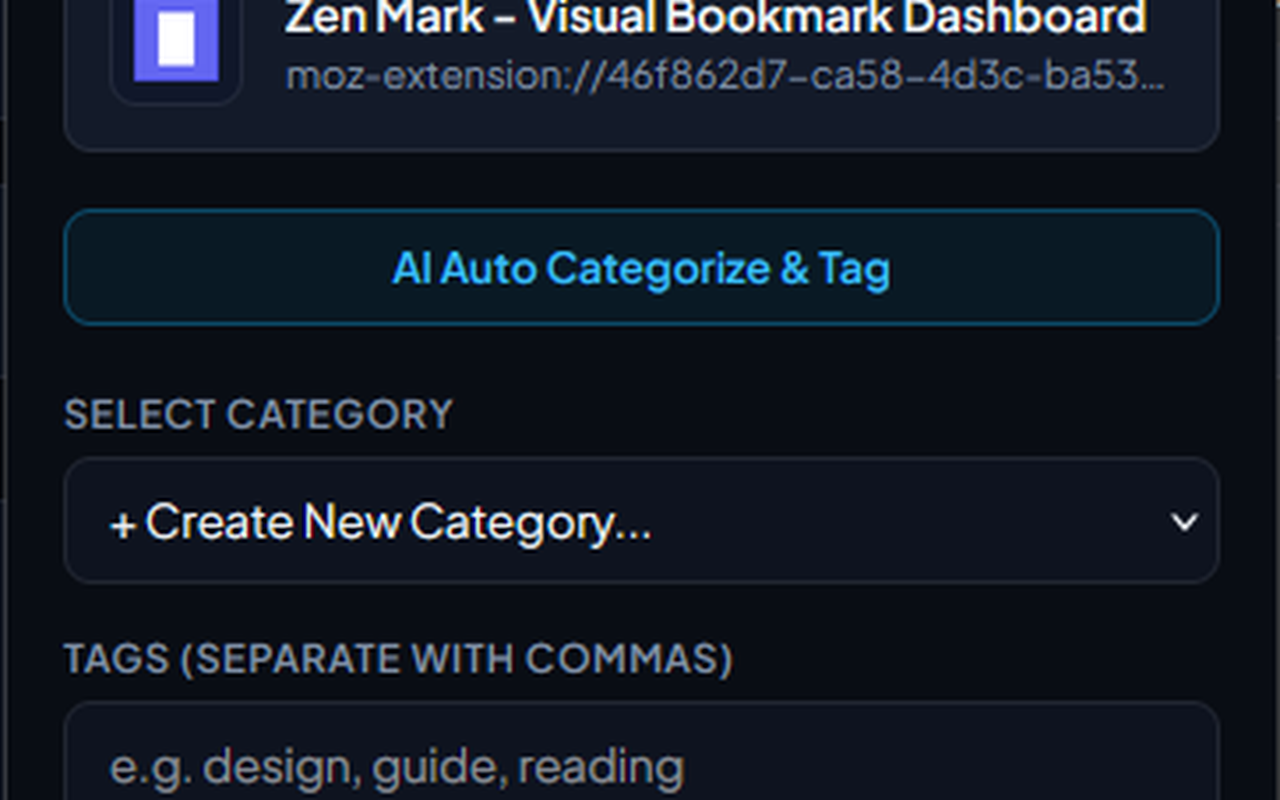
Save the current page with AI category suggestions.
Get Zen Mark
Available for Firefox and Chrome.
Firefox — Add to Firefox